WooCommerce Coming soon mode: add a shop to a live site without showing an empty store
In short
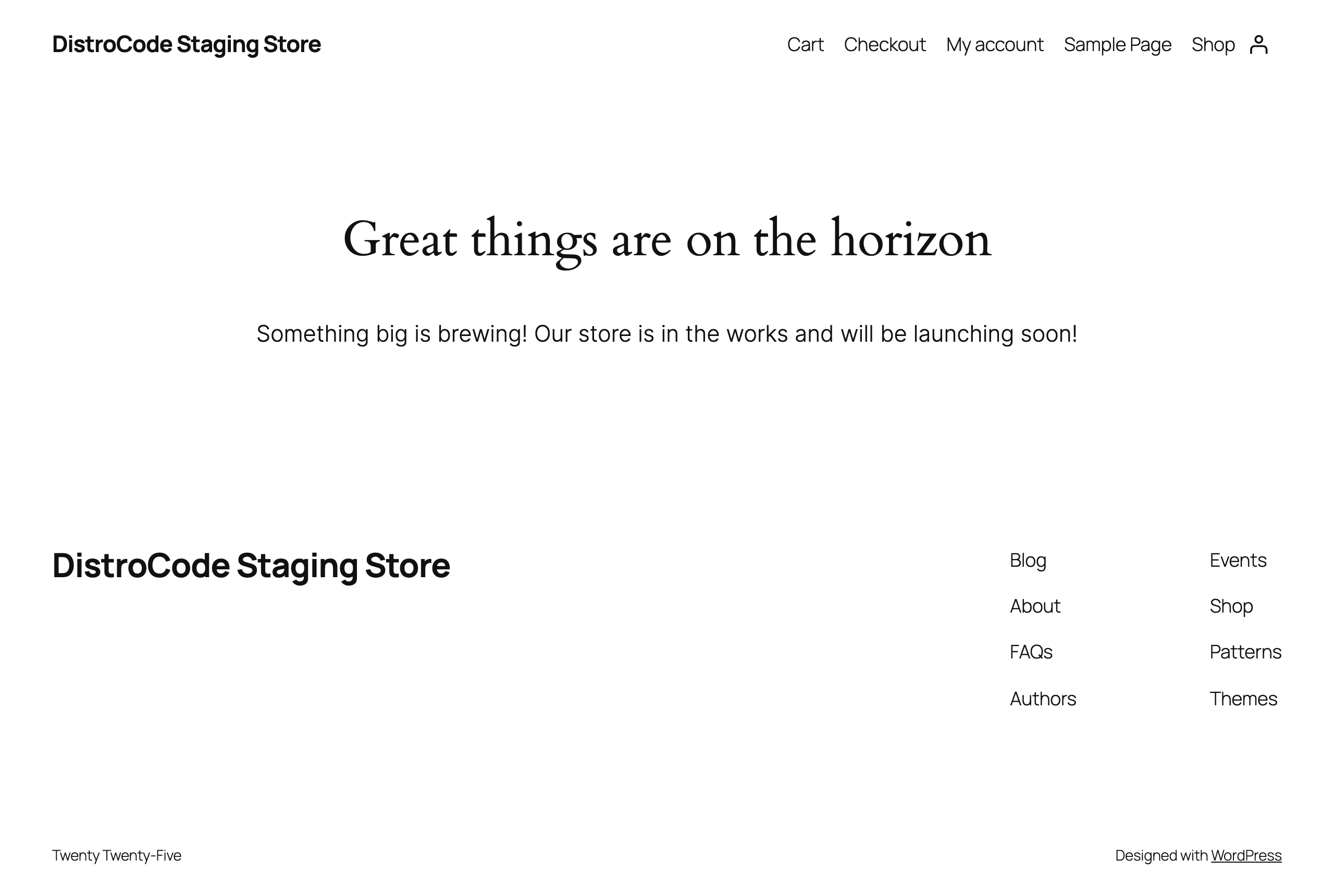
Go to WooCommerce, Settings, Site visibility, pick Coming soon and turn on Apply to store pages only. Visitors then get a holding page on the shop, cart and checkout, and in our lab on product pages too, while your other pages stay as they are. You and anyone holding the private link see the real store.
Key points
- In our lab, a logged-out visitor got the holding page on Shop, a product and Cart, and Checkout sent an empty cart to that same page. The home page, Sample Page and My account were untouched.
- Logged in as admin, we saw the full store with a Store coming soon badge in the toolbar.
- The private link set a woo-share cookie that lasted 90 days, so a reviewer could click around the store after opening it once.
- The hidden Shop and product pages still answered 200 with no noindex tag, so treat the holding page as public text.
On this page (7)
- What does WooCommerce Coming soon mode do?
- Can you hide only the shop and keep the rest of the site live?
- What does the store look like to you while it is hidden?
- How does the private link work?
- Is Coming soon mode the same as discouraging search engines?
- What should you check before switching to Live?
- Questions and answers
What does WooCommerce Coming soon mode do?
WooCommerce coming soon mode puts a holding page in front of your store while you finish it. WooCommerce describes the site in this state as “not accessible to the public”: only authorized users, or people with a private link, can view the store.
The switch lives at WooCommerce, Settings, Site visibility. It has two choices, Coming soon and Live. Pick Coming soon and two more toggles appear: Apply to store pages only, and Share your site with a private link.
On a site with visitors, the first toggle matters most. When we add a shop to a working site under our WordPress maintenance plan, this is the setting we reach for first.
Can you hide only the shop and keep the rest of the site live?
Yes. With Apply to store pages only switched on, the holding page covers the store and nothing else. WooCommerce’s documentation calls it “ideal for merchants who are installing WooCommerce on an existing site”.
We tested it on 11 Oct 2026 on a copy of our test store, running WooCommerce 11.2.1 on WordPress 7.1.2. The toggle was already on when we picked Coming soon. We saved, then opened a fresh browser with no login and went page by page.
| Page | Logged-out visitor saw |
|---|---|
| Home and Sample Page | The normal page |
| My account | The normal login form |
| Shop | The holding page |
| Canvas tote bag (product) | The holding page |
| Cart, and Checkout with an empty cart (sent to Cart) | The holding page |
The documentation lists Shop, Cart, Checkout, Terms and conditions and Privacy policy as the covered pages. Our product page was covered too, so an early product link shows nothing half written.
What does the store look like to you while it is hidden?
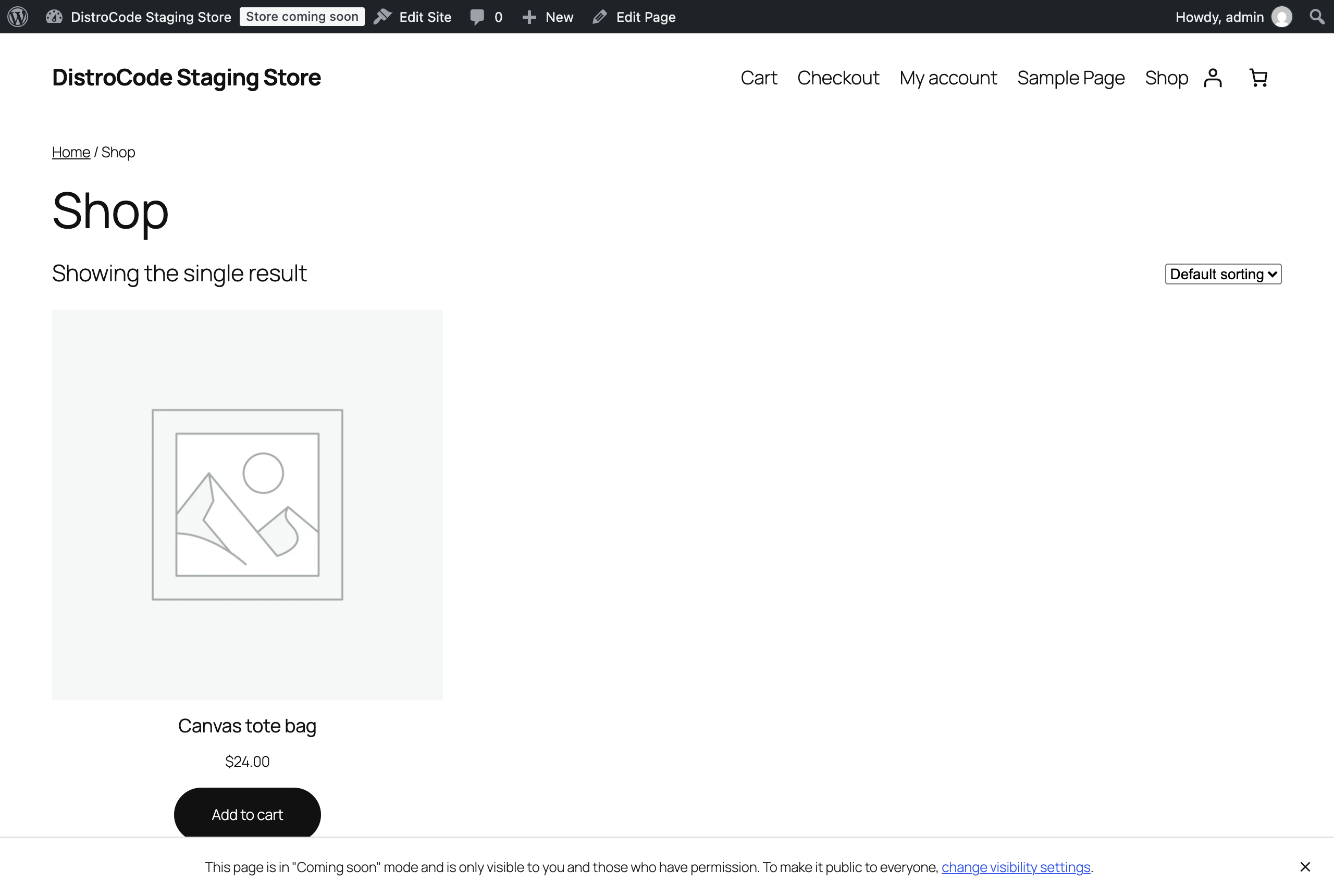
Like the finished store. As admin, we saw the shop grid, the product at $24.00 and a working Add to cart button. The toolbar carried a badge that read Store coming soon, and a strip at the foot of the page said the page was “only visible to you and those who have permission”.
How does the private link work?
Turn on Share your site with a private link and a Copy link button appears. In our lab it copied the shop address with a long woo-share key on the end.
In a second browser with no login, the store loaded in full. That browser then opened the shop, the product and the cart on plain addresses with no key, because the link had set a woo-share cookie. Its expiry date was 9 Jan 2027, 90 days out.
A made-up key got the holding page. So the link works like a guest pass for whoever checks your product photos or prices, with no WordPress account needed.
This is how we run a store launch on a live site: we build the store behind Coming soon, you check it through the share link, and we switch it to Live on the day you pick.
Is Coming soon mode the same as discouraging search engines?
No, and the two get confused. Coming soon decides what people see. The WordPress box under Settings, Reading decides what search engines are asked to index, and we compared the two in our post on the Discourage search engines setting.
In our lab, the hidden shop and product page still answered 200 to a logged-out visitor, and neither robots tag had noindex. Assume a crawler can read whatever the holding page says. Keep its wording true. The Site Editor can change it.
What should you check before switching to Live?
Run a few checks while the share link still works:
- Place one test order through the real checkout and confirm the order email arrives. Look at the tax line too: a new store charges none until rates exist, as our lab orders showed in why WooCommerce was not charging sales tax.
- Look at the store in a browser that is not logged in and has never opened the share link.
- Leave the site address alone that day. A wrong WordPress Address can lock you out, as we found when we changed the site URL on a test site.
Then pick Live and save. If visitors still get the holding page, WooCommerce’s documentation points to a server cache, and your host can clear it.
Adding a shop to a live WordPress site? Tell us what you sell and when you want it open, and we will reply with the steps for your site.
Where did these facts come from?
- WooCommerce documentation, WooCommerce Coming soon mode, checked Oct 11, 2026
Questions and answers
Where is Coming soon mode in WooCommerce?
Under WooCommerce, Settings, Site visibility. The screen has two choices, Coming soon and Live, and a toggle for the admin bar badge. WooCommerce's documentation says that toggle "does not change what visitors can see".
Which pages does Apply to store pages only hide?
WooCommerce's documentation lists the pages assigned as Shop, Cart, Checkout, Terms and conditions and Privacy policy. In our lab the single product page was hidden as well. My account was not.
Will an existing store switch to Coming soon after an update?
No. WooCommerce's documentation says stores that are already live default to Live and are not affected "unless manually changed". New stores that finish onboarding start in Coming soon.
Why do visitors still see the holding page after I switch to Live?
Usually a server cache. WooCommerce's documentation says the storefront may not show at once after launch and points you to your host's cache clearing steps, or to the CDN or caching plugin you use.
Rather hand this to us? See the WordPress maintenance plan