

WordPress maintenance
Updates, backups, security and fixes for WordPress sites, each tested on our own lab first.
Latest in WordPress maintenance
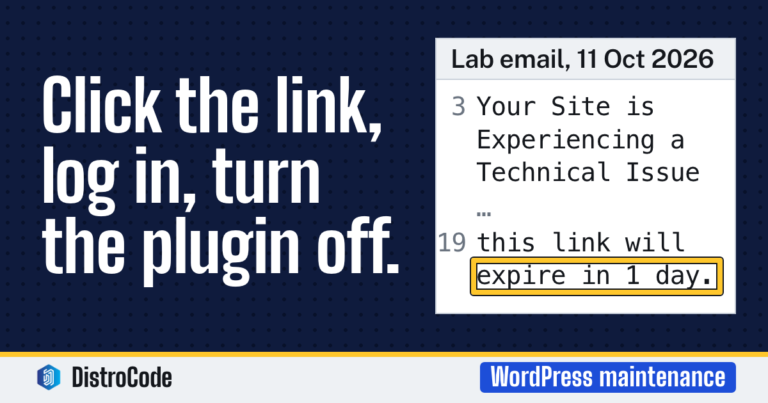
The WordPress “technical issue” email: what it means and what to do
The email means a plugin or theme caused a fatal error and WordPress caught it. It names the culprit and holds a private recovery mode link. Click it, log in, deactivate what it names, and check the site. Visitors still see the error until you do, and our lab's email said the link would expire in one day.
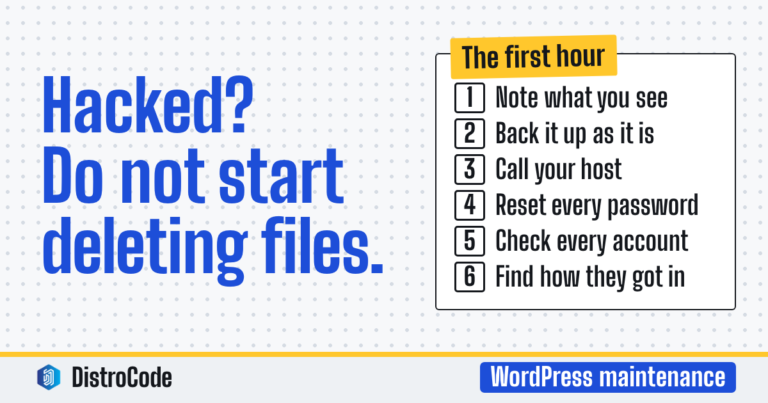
WordPress site hacked: what do you do in the first hour?
Do not start deleting files. Write down what you see and when, take a backup of the hacked site as it is, and call your host. Then reset every password, from WordPress to the database, and log everyone out. Find how they got in before you clean, or it comes back. Get help if you cannot do that part yourself.