
Squarespace website designer for new and live sites
Ten of the projects on our Work page are Squarespace sites, more than any other platform. DistroCode designs and builds Squarespace sites, and makes changes to sites that are already live. Every job is quoted once we know what the site has to do.
Hire a Squarespace designer See the projects
We are DistroCode, a web studio and a US company. We have taken freelance web work since 2017, and DistroCode LLC was registered in 2023.
We also work on WordPress, and we write our own WordPress plugins. That matters here for one reason. We can tell you plainly when Squarespace is the right home for your site, and when it is not.
What does a Squarespace project include?
There are two kinds of job. A new site, or changes to a site you already have. Both start with what the site has to do: take inquiries, sell products, take sign-ups, or simply explain who you are.
A new site
We start from your pages and what each one is for. Then we build the layouts, the navigation, the forms and, if you sell, the store.
The starting design matters less than people expect. Squarespace says every version 7.1 site belongs to the same template family, with the same features and style options. Picking one design over another changes the layout you begin with. It does not lock you out of features later.
We recommend you create the Squarespace account and pay for the plan yourself, then invite us in. That way the site is yours from the first day.
The plan you pick can limit what we can add. Code injection, Squarespace’s setting for adding your own code to a site, is on the Core, Plus and Advanced plans and some older plans, but not on Basic. If your design needs it, we tell you before you choose a plan, not after.
Changes to a site you already have
The first thing we check is the version. At the bottom of the Pages panel, Squarespace shows “Version 7.1” on a 7.1 site, or the template name on a 7.0 site.
That one label changes the quote.
On version 7.1 you cannot switch templates at all. A redesign there means restyling the site you have: fonts, themes, sections and page layouts.
On version 7.0 you can switch templates, but Squarespace warns that sidebars, background images, page headers and page footers reset in the new one. Before we quote a template switch, we list what will need rebuilding.
One-off changes count too. A new page, a form that stopped sending, a section that falls apart on a phone. Squarespace website design help like this is quoted the same way, once we have seen the site.
Custom code needs a word of warning. Squarespace’s own support team cannot help you add custom code or troubleshoot problems it causes. So we keep custom code to the parts that need it, and the written note at the end of the job lists every piece we added and where it sits.
Which Squarespace projects are on our Work page?
Ten. Each one has its own entry on our Work page, which names Squarespace as its platform:
-
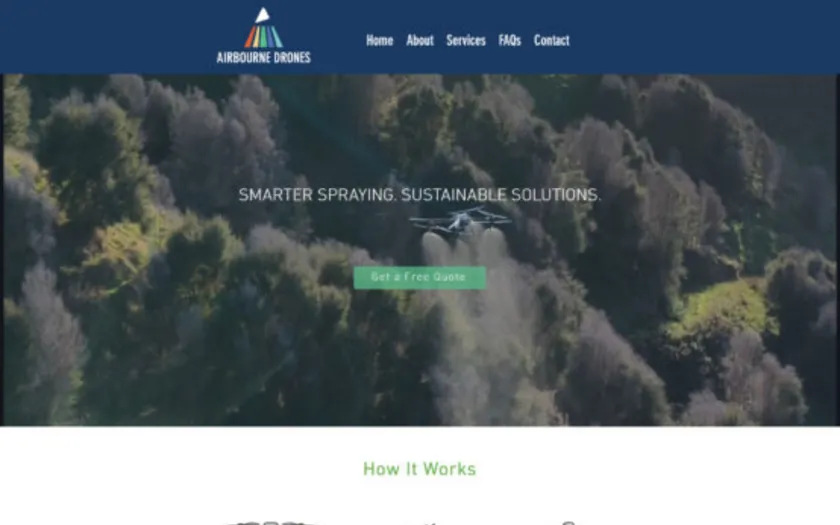
Airbourne
Squarespace
A drone services firm.
-
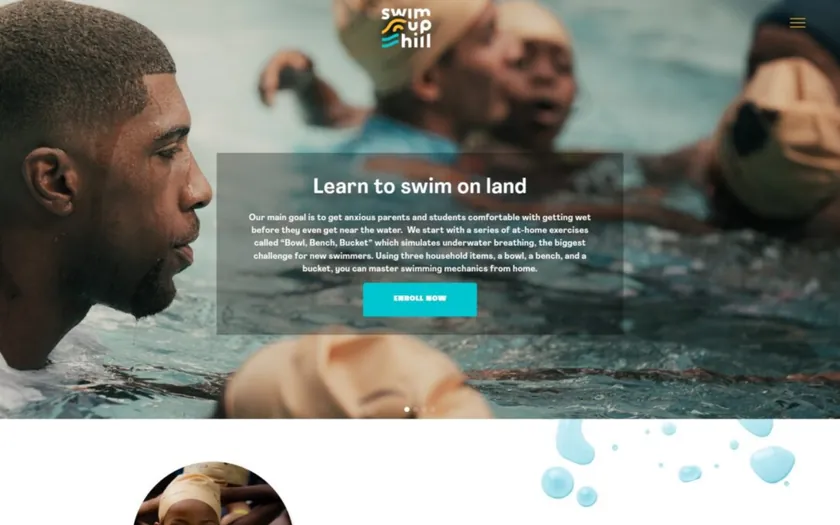
Swim Uphill
Squarespace
A swimming program.
-
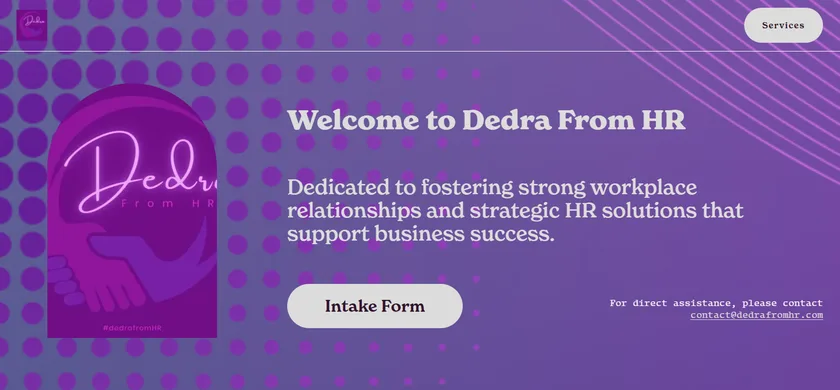
Dedra from HR
Squarespace
An HR consultant.
-
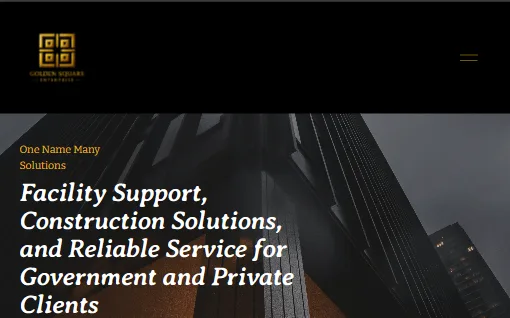
Golden Square Enterprise
Squarespace
A construction and facility support company.
The other six: Between Realms Publishing, Automations Smart, IOTQ, Slique Media, SnE Ants and Five Fifteen Media.
They cover a drone services firm, a book publisher, an HR consultant, a construction and facility support company and a swimming program, among others. Different kinds of organization, in other words, with very different jobs for their sites.
Between Realms Publishing shows the range one Squarespace site can hold. It sells books from a store, and the same site carries pages about the characters and worlds inside those books.
How does a project run, step by step?
In five steps.
- You tell us what the site has to do. Send the link if the site is live, and any date you are working toward. We reply in writing within one working day, Monday to Friday.
- We look, then quote. On an existing site we check the version and the plan first, because both change what is possible. The quote names the price, the scope and what is left out. It also gives you a date.
- You invite us as a contributor. Each contributor needs their own Squarespace account, so you never share your password. For most jobs we ask for the Administrator role. For a small content change, the Website editor role may be enough, though it cannot add pages or change styles. On the Basic plan there is a limit of two contributors, and the owner counts as one.
- We build or make the changes. You see a preview first. Nothing goes live until you say so.
- You get a written note. It covers what changed, any custom code we added, and anything that needs a decision from you. When the job is done, you can remove us as a contributor from the Permissions & Ownership panel.
Squarespace or WordPress: which fits your business?
If you already have a site, the better question may be whether to stay where you are. Here is how we weigh it, as people who work on both.
Squarespace hosts your site and runs the software. It pushes updates itself, so there is nothing to install. It does not use plugins. Squarespace says its built-in features match many of the most popular WordPress plugins, and for a site whose store, bookings or forms fit those features, that is a fair trade. You give up most control over the code in exchange for fewer things that can break.
WordPress lets you pick the host and the plugins, which gives you more room. A store with unusual rules, a members area, or a feature built to order fits there more easily. It also means updates are your job, or the job of whoever you hire. That is what our WordPress maintenance plans cover.
So our rule of thumb is short. If Squarespace’s built-in tools cover what the site has to do, stay on Squarespace. If they do not, tell us what is missing before you pay for a redesign. We will say which platform we would pick for that, and why.
Questions owners ask
Does Squarespace use WordPress?
No. Squarespace and WordPress are separate platforms, and a site runs on one or the other. WordPress plugins do not run on Squarespace, and Squarespace hosts every site built on it. We work on both, so if you are not sure which one your site uses, send us the link.
Do I keep ownership of my Squarespace account?
Yes. Each Squarespace site has one owner, usually the person who created the account, and only the owner can transfer the site to someone else. We work as a contributor. An Administrator can do almost everything the owner can, but cannot transfer ownership.
If a site ever does change hands, Squarespace moves the attached subscriptions and Squarespace domains with it. The card on file does not change by itself, so the new owner should update the billing details before the next renewal.
Can you work on a template I already bought?
Yes. Squarespace’s own help pages say third-party designers cannot sell templates for use on a Squarespace site. So tell us where your design came from, and send any instructions that came with it. We look at what it changed on your site, custom code included, before we quote.
If you started from one of Squarespace’s own 7.1 designs, there is nothing to work around. Every 7.1 site has the same features, so we work with the site as it is.
Can you move my site to WordPress later?
Yes, as a separate job with its own quote. Squarespace exports a site as a WordPress-format .xml file, but only part of the site comes with it.
The export carries layout pages, one blog page with its posts, and text and image blocks. It leaves out store pages, portfolio pages, style settings and custom CSS. Squarespace also warns that images may not move with the rest of the content when you import into a self-hosted WordPress site.
So a move is part export and part rebuild, and we tell you which parts are which before we start. More detail is on our website migration page.
How do I reach you?
By email at sales@distrocode.com or through the contact form. We reply in writing within one working day, Monday to Friday, so you keep a record of what was said.
Looking for Squarespace designers for hire?
Tell us what the site has to do, and send the link if it is already live. Contact us or email sales@distrocode.com, and we will reply with a quote or the questions we need answered first.