WooCommerce checkout not working? Check the payment methods first
In short
A WooCommerce checkout showing "There are no payment methods available" has no method willing to take that cart. Every gateway may be off, or the one that is on refuses the cart. In our 17 Oct 2026 lab, Cash on delivery with "Accept for virtual orders" unticked hid from a download cart. Ticking it gave order #18.
Seeing this on your own site? Send us the address for a free site check, and a written report comes back within 2 business days.
Key points
- With every payment method off, the Checkout block says "There are no payment methods available" and the classic checkout says "Sorry, it seems that there are no available payment methods".
- A method that is switched on can still hide. Cash on delivery skips any cart of virtual products when "Accept for virtual orders" is unticked.
- The Place Order button stays clickable, so buyers click it and get a second error. No order is placed.
- On the Checkout block, each failed attempt in our lab left a "checkout-draft" order behind. The classic checkout left none.
- Ticking "Accept for virtual orders" turned the same cart into order #18 for $24.00.
On this page (9)
- Why is my WooCommerce checkout not working?
- How did we test it?
- What does the buyer see with every payment method off?
- Why does it say no payment methods when one is turned on?
- What fixed it in our lab?
- What does a failed Checkout block attempt leave behind?
- What did this lab leave out?
- What should you check first?
- Questions and answers
A buyer fills in every field, scrolls to Payment options and finds a red box where the card form should be. The order never happens. Of all the ways a WooCommerce checkout stops working, this one is the plainest: the store has no payment method it is willing to offer for that cart.
Why is my WooCommerce checkout not working?
Start with the message on the page. “There are no payment methods available” on the Checkout block, or “Sorry, it seems that there are no available payment methods” on the classic checkout, means WooCommerce found no method it could offer for this cart. Either every method is off, or the ones that are on have each ruled the cart out.
The second case is the one that fools store owners. The settings screen shows a method as enabled, so the checkout looks broken for no reason.
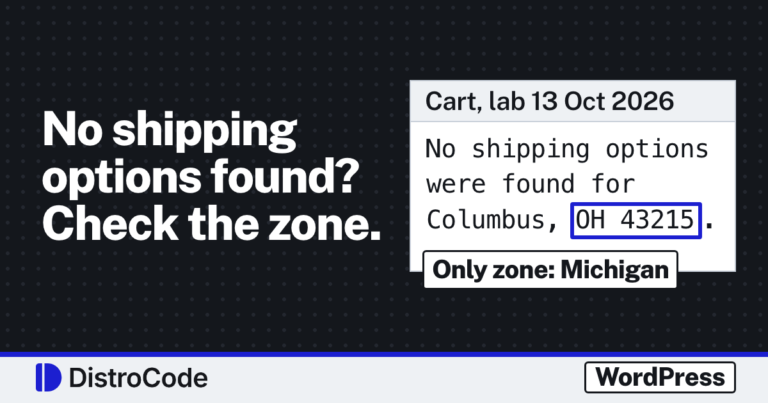
Other faults stop a checkout too. A missing shipping rate blocks it with a different message, which we tested in WooCommerce “No shipping options were found”. A page reading “There has been a critical error on this website” is a PHP crash, covered in what the critical error message means. A checkout that loads blank is the same crash with the message hidden, as in the WordPress white screen of death.
Payment and checkout faults like these are part of our WooCommerce store fixes.
How did we test it?
On 17 Oct 2026, from 12:28 to 12:35 PM ET, we ran a test store on WordPress Playground with WordPress 7.1.3, WooCommerce 11.2.1 and PHP 8.3.33. It sold one virtual product, a “Lab Guide (PDF)” at $24.00, with no tax and no shipping.
The store had two checkouts: its Checkout page, which used the Checkout block, and a second page with the classic [woocommerce_checkout] shortcode. A script drove headless Chromium as a guest buyer in Detroit, MI 48226, added the guide to the cart, filled in the form and clicked Place Order.
We switched the three methods that ship with WooCommerce (Check payments, Cash on delivery and Direct bank transfer) on and off between runs by writing their settings straight to the database.
What does the buyer see with every payment method off?
Under Payment options the Checkout block showed: “There are no payment methods available. Please contact us for help placing your order.”
The Place Order button stayed dark and clickable. Clicking it brought up a banner, “Please fix the following error before continuing”, over the line “No payment method provided.” The checkout request behind the button came back with a 400 and no order was placed.
The classic checkout used other words, shown in the table. Its Place order button worked too, and clicking it added “Invalid payment method.”
| Checkout | Under the payment heading | After Place order |
|---|---|---|
| Checkout block | “There are no payment methods available. Please contact us for help placing your order.” | “Please fix the following error before continuing. No payment method provided.” |
| Classic checkout | “Sorry, it seems that there are no available payment methods. Please contact us if you require assistance or wish to make alternate arrangements.” | “Invalid payment method.” |
If a buyer reports either line, do not look for their order. The classic checkout created none, and the Checkout block left only a draft, which we come to below.
Why does it say no payment methods when one is turned on?
Because a method can be on and still refuse the cart. We switched Cash on delivery on and unticked its “Accept for virtual orders” box, with only the PDF guide in the cart.
Both checkouts showed the same messages as with everything off, word for word, on the page and after Place Order.
The reason is one line in WooCommerce 11.2.1, class-wc-gateway-cod.php line 174: when “Accept for virtual orders” is off and the cart is virtual, the gateway reports itself as unavailable. The box is ticked by default (line 72), so on a store showing this message someone unticked it, most likely back when the store sold only physical goods.
Cash on delivery is the only method we tested this way. Other methods, card gateways included, can carry their own limits, so open each one that is on and read what it excludes.
What fixed it in our lab?
Switching “Accept for virtual orders” on. We wrote it straight to the database like the other settings; on a real store the box sits under WooCommerce, Settings, Payments, Cash on delivery, per the WooCommerce docs. The same guest, the same cart and the same Checkout block then showed the method, and Place Order went through. WooCommerce opened the Order received page for order #18: $24.00, status processing, payment Cash on delivery.
On a real store the fix is to offer at least one method that accepts every kind of cart you sell. If you sell downloads, place one test order with only a download in the cart, and another with only a physical product.
When we take on a checkout like this, we place a test order with each payment method, read which one drops out and why, and fix the setting on a copy of the store before the live one.
What does a failed Checkout block attempt leave behind?
A draft order. This surprised us. Each time Place Order failed on the Checkout block, WooCommerce kept an order with the status “checkout-draft”. Across our runs that came to four: orders #13, #14, #16 and #17, each for $24.00. The classic checkout left none.
The Checkout block keeps a draft while the buyer is on the page. WooCommerce’s own code schedules a daily clean up that deletes drafts last changed more than a day ago.
So two things follow. A gap in your order numbers after a bad day at checkout may be these drafts, not lost data. And a draft is not a sale, so do not read a pile of them as orders that went through. We did not check whether the admin Orders list shows them.
What did this lab leave out?
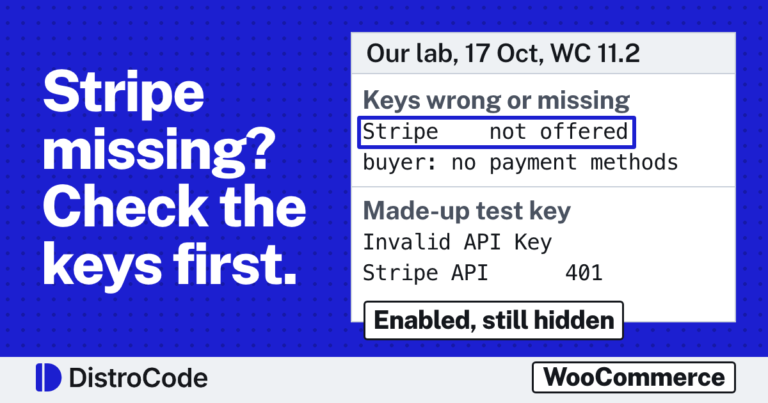
- Card gateways. We did not test PayPal or other card gateways here. Stripe has its own lab, with its key, webhook and currency failures, in WooCommerce Stripe payment not working.
- Caching. Our lab had no caching plugin or host cache, so we did not see what a cached checkout page does to the form.
- JavaScript conflicts from a theme or another plugin.
- The “Enable for shipping methods” setting on Cash on delivery, which can also hide it.
- A real host. Everything ran on a local test store.
What should you check first?
Open the checkout in a private window, logged out, with one product of each kind you sell. Read the line under Payment options. If it says there are no payment methods, go to WooCommerce, Settings, Payments, open each method that is on, and read every box that limits which carts it takes.
If the order goes through but the buyer never gets a receipt, that is a different fault, traced in WooCommerce not sending order emails.
Buyers getting stuck at your checkout? Our free WordPress site check takes your site address and a line on what you see. Within 2 business days you get a written report naming the cause and what fixing it involves. Or send us the message your checkout shows, and we will tell you which payment method is dropping out.
Where did these facts come from?
- DistroCode lab, WooCommerce 11.2.1 on WordPress 7.1.3, PHP 8.3.33 (17 Oct 2026, 12:28 to 12:35 PM ET), Checkout block and classic checkout with gateways off and Cash on delivery for virtual orders off and on, checked Oct 17, 2026
- WooCommerce docs, Cash on Delivery (settings, Accept for virtual orders, Enable for shipping methods), checked Oct 17, 2026
- WooCommerce source, class-wc-gateway-cod.php (enable_for_virtual defaults to yes; the gateway is unavailable for a virtual cart when it is off), checked Oct 17, 2026
- WooCommerce source, DraftOrders.php (checkout-draft status; daily cleanup of drafts modified more than a day ago), checked Oct 17, 2026
- WooCommerce source, CheckoutTrait.php (Store API error "No payment method provided."), checked Oct 17, 2026
Questions and answers
Why does WooCommerce say there are no payment methods available when one is enabled?
The enabled method can still refuse the cart. In WooCommerce 11.2.1, Cash on delivery hides itself from a cart that holds only virtual products unless "Accept for virtual orders" is ticked. In our lab the checkout then showed the same message as with every method switched off.
What does "No payment method provided" mean on the WooCommerce checkout?
It is the Checkout block's error after the buyer clicks Place Order with no payment method on the page. In our lab it came under the heading "Please fix the following error before continuing". The classic checkout says "Invalid payment method." in the same spot.
What are checkout-draft orders in WooCommerce?
The Checkout block creates a draft order while the buyer is on the checkout page. In our lab every failed Place Order left one behind. WooCommerce's source schedules a daily task that deletes drafts last changed more than a day ago.
Does this cover Stripe or PayPal failures?
No. We tested the built in methods (Check payments, Cash on delivery, Direct bank transfer). Card gateways add their own keys, webhooks and error messages, which this lab did not touch.
Still stuck? Send us the page address and what you see Want to know if the problem stops here? Ask for the free site check.
We write up one real fix or build a few times a week on LinkedIn. Follow DistroCode there: linkedin.com/company/distrocode