

WooCommerce
Checkout, shipping, tax, email and review settings for WooCommerce stores, each tested on our own lab store first.
Latest in WooCommerce
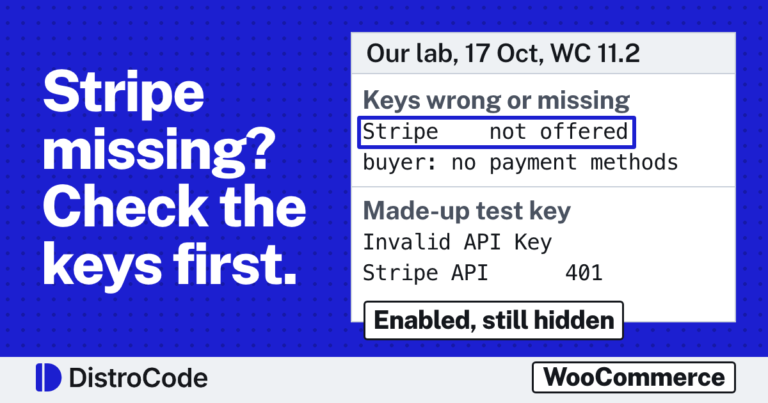
WooCommerce Stripe payment not working? What our lab found
When WooCommerce Stripe payment is not working, check the keys first. In our 17 Oct 2026 lab, keys missing, in the wrong mode or in the wrong field made the Stripe plugin hide itself, so buyers saw "There are no payment methods available". A key Stripe did not accept showed "Invalid API Key provided" in the card area.
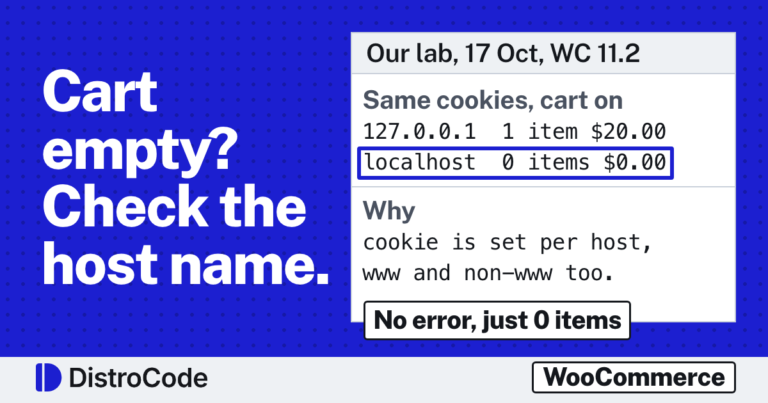
WooCommerce add to cart not working, or the cart is empty? Four causes we reproduced
WooCommerce add to cart is not working when the product cannot be bought (no price, out of stock, no variation chosen) or when the cart page reads another session, from a cache or a second host name. In our 17 Oct 2026 lab one cart held an item on one host name and none on the other.
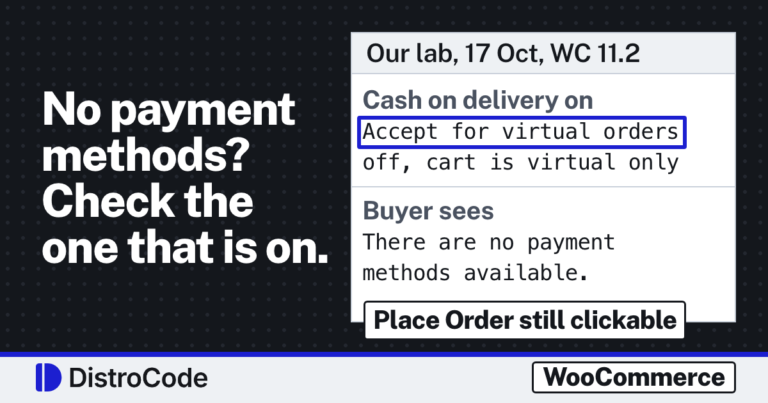
WooCommerce checkout not working? Check the payment methods first
A WooCommerce checkout showing "There are no payment methods available" has no method willing to take that cart. Every gateway may be off, or the one that is on refuses the cart. In our 17 Oct 2026 lab, Cash on delivery with "Accept for virtual orders" unticked hid from a download cart. Ticking it gave order #18.
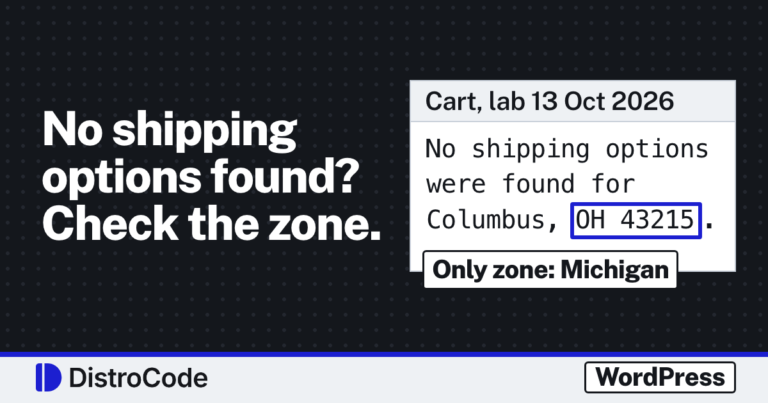
WooCommerce “No shipping options were found”? Check which zone matched
WooCommerce says "No shipping options were found", and at Place order on the classic checkout "No shipping method has been selected", when the buyer's address gets no rate from any zone. Shipping debug mode shows the matched zone. Add the missing rate there. In our 13 Oct 2026 lab, one catch-all rate turned a refused order into a $35.00 one.
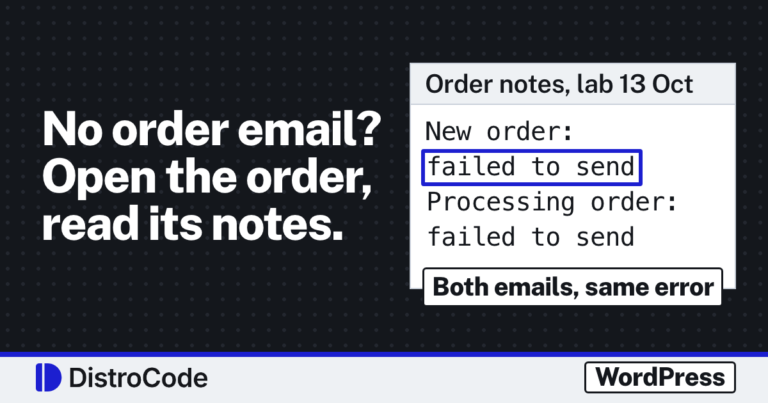
WooCommerce not sending order emails? Read the order notes first
When WooCommerce is not sending order emails, open the order and read its notes. In our 13 Oct 2026 lab on WooCommerce 11.2.1, every order email left a private note saying it was sent or failed, with the error. No note usually means no email was triggered: the order is still Pending payment or that email is switched off.
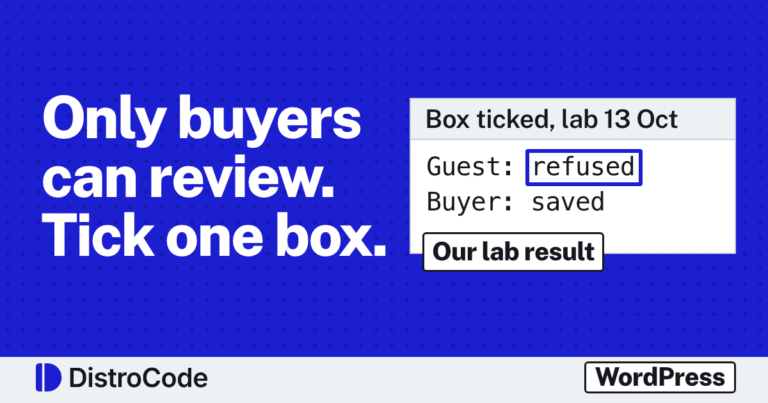
WooCommerce verified owner reviews: how to stop reviews from people who did not buy
Yes. Tick Reviews can only be left by verified owners under WooCommerce, Settings, Products. On a new store that box is off, so a visitor who bought nothing can post a review. In our lab, after we ticked it, a guest's review was refused and the buyer's went through.
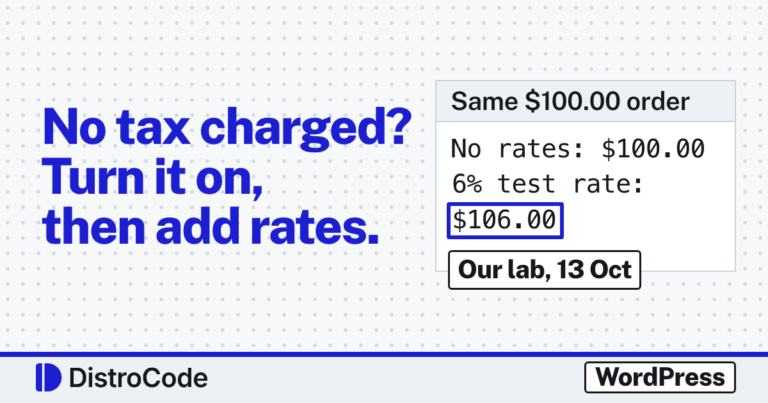
WooCommerce not charging sales tax? What we found on a fresh store
A new WooCommerce store charges no tax because taxes start switched off. Tick Enable tax rates and calculations under WooCommerce, Settings, General, then add rates on the Tax tab or turn on automated taxes. In our lab, ticking the box alone still left a $100.00 order at $100.00, because the rate table was empty.

WooCommerce Coming soon mode: add a shop to a live site without showing an empty store
Go to WooCommerce, Settings, Site visibility, pick Coming soon and turn on Apply to store pages only. Visitors then get a holding page on the shop, cart and checkout, and in our lab on product pages too, while your other pages stay as they are. You and anyone holding the private link see the real store.