WooCommerce “No shipping options were found”? Check which zone matched
In short
WooCommerce says "No shipping method has been selected", or "No shipping options were found", when no zone gives the buyer's address a rate. Debug mode shows the matched zone; add the missing rate there. $45 to find why checkout, payment, shipping, tax or order email fails, cause in writing within one working day. $110 to fix up to three.
Seeing this on your own site? Send us the address for a free site check, and a written report comes back within 2 business days.
Key points
- Of the pages we tested, only the classic cart says "No shipping options were found for" the address. The Checkout block says "No shipping options are available for this address".
- Neither checkout placed the order, and the total stayed at $20.00 with no shipping line.
- Debug mode names the matched zone, but on both checkouts it showed the store's own zone until we reloaded the Checkout block.
- A $15.00 rate in "Locations not covered by your other zones" fixed it. A United States zone fixed Ohio but not Toronto.
On this page (11)
- Why does WooCommerce say no shipping method has been selected?
- How did we test it?
- What does each page say when there are no shipping options?
- When does Place order show the no shipping method message?
- How does debug mode show which zone matched?
- Why did the checkout name the wrong zone?
- What if the right zone matched and there are still no options?
- How do you fix “No shipping options were found”?
- What did we not test?
- Are orders still failing after these steps?
- Questions and answers
Why does WooCommerce say no shipping method has been selected?
WooCommerce says “No shipping method has been selected” at Place order on the classic checkout, and “No shipping options were found” on the classic cart, when it has no rate for the buyer’s address. Either the address matched no zone with a shipping method, or it matched a zone whose method worked out no rate.
The buyer cannot pay, and no order is created. Nothing under Orders tells you a sale was lost.
Checkout faults like this are one of the fixes on our WordPress maintenance page, next to a payment fault we rebuilt on a test store.
How did we test it?
On 13 Oct 2026 we built a store on WordPress Playground with WordPress 7.1.3, WooCommerce 11.2.1 and PHP 8.3.33. It was based in Michigan and sold one $20.00 mug with no weight and no shipping class.
Its only zone, Michigan, had a $7.50 flat rate. The catch-all zone, “Locations not covered by your other zones”, had no method. A script drove headless Chromium through the cart and both checkouts as a guest in Columbus, OH 43215.
What does each page say when there are no shipping options?
Each page has its own sentence:
| Page | What the buyer saw |
|---|---|
| Classic cart | “No shipping options were found for Columbus, OH 43215.” |
| Classic checkout | “There are no shipping options available. Please ensure that your address has been entered correctly, or contact us if you need any help.” |
| Checkout block | “No shipping options are available for this address. Please verify the address is correct or try a different address.” |
| Place order, classic | “No shipping method has been selected. Please double check your address, or contact us if you need any help.” |
| Place order, block | “Sorry, this order requires a shipping option.” |
The Checkout block was the checkout page on our new store, and it never shows the cart sentence. An owner who searches the words on their own checkout may never see this phrase.
When does Place order show the no shipping method message?
On the classic checkout, clicking Place order with no rate on the page brings up “No shipping method has been selected. Please double check your address, or contact us if you need any help.” It is the same fault as “No shipping options were found”: the address matched no zone that gives a rate.
In our 13 Oct 2026 lab a Columbus, Ohio buyer got it on the classic checkout. Once we added the $15.00 catch-all rate, the classic cart showed that rate for the same address and the Checkout block took the order. We did not place a classic checkout order after the fix. If the checkout instead says there are no payment methods available, see WooCommerce checkout not working.
How does debug mode show which zone matched?
Tick Enable debug mode in WooCommerce, Settings, Shipping, Shipping settings. A notice then names the zone, and for our Ohio buyer the cart said: Customer matched zone “Locations not covered by your other zones”.
WooCommerce’s troubleshooting doc for core shipping says the setting also skips the rate cache, and that shoppers see the notice, so switch it off afterwards.
That line splits the problem in two. The catch-all zone means no zone covers the address. A named zone means the zone is right and its method is the problem.
Why did the checkout name the wrong zone?
Both checkouts told us the Ohio buyer matched “Michigan”, the store’s own zone.
The notice is printed when the page loads, before the buyer types an address, so it showed the store’s base address. After a reload the Checkout block named the catch-all zone, which was right. The classic cart was right first time, because its shipping calculator reloads the page.
WooCommerce’s doc says not to rely on the notice appearing on the checkout pages. Our lab found it can appear and still be wrong. Read it on the classic cart, or reload the checkout once the address is in. If the cart comes up empty instead, because items vanish after you add them, see WooCommerce add to cart not working.
What if the right zone matched and there are still no options?
Then the method gave no rate. We set the Michigan flat rate to charge by shipping class only: Cost blank, a “Bulky” class at $12.00, “No shipping class cost” blank. The mug had no class.
A Detroit, MI 48226 buyer matched “Michigan” and still saw the no-options message. In WooCommerce 11.2.1 a flat rate is only offered when at least one cost applies (class-wc-shipping-flat-rate.php, line 223).
Giving the mug the Bulky class brought back Flat rate at $12.00. Filling in “No shipping class cost” is the other route, which we did not test.
How do you fix “No shipping options were found”?
Give every address a rate. We added a $15.00 “Flat rate (rest of world)” to “Locations not covered by your other zones”, which WooCommerce’s shipping zones guide calls the Rest of the world zone.
The Ohio buyer saw it at $15.00, and guest order #15 went through: mug $20.00, shipping $15.00, total $35.00.
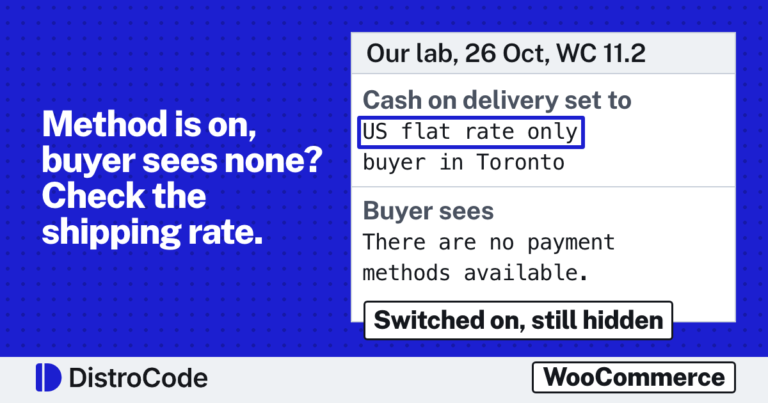
A wider zone also works, up to a point. We swapped that rate for a “United States” zone with a $9.50 flat rate, below Michigan. Zones are checked top down and each customer matches one, so Ohio matched “United States” and order #16 came to $29.50. A Toronto, ON address then fell through to the empty catch-all zone and got the no-options message again. Payment methods can follow the rate too: in a later lab, Cash on delivery tied to the US rate hid from a Toronto buyer.
This is a fix we do as a one-off job, one of our WooCommerce store fixes. We check out from an address in each place you ship to, read the matched zone, and add the missing rate on a copy of the store first.
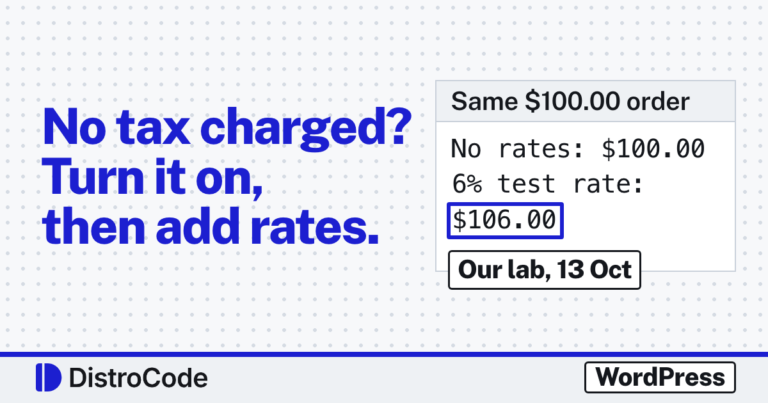
Tax follows the shipping address by default too, which we tested in why WooCommerce charges no sales tax on a fresh store.
What did we not test?
- Weight-based and table-rate shipping, which come from plugins.
- The “Ship to specific countries” setting and postcode-range zones.
- Local pickup, the Cart block, caching plugins and live carrier rates.
A buyer who gets through checkout but never hears back is a different fault, traced in WooCommerce not sending order emails.
Are orders still failing after these steps?
$45 to find why checkout, payment, shipping, tax or order email fails: cause in writing within one working day; a test order placed on a staging copy before and after. $110 to fix up to three. On our own test store we staged a checkout that said “There are no payment methods available”, fixed it, and the next test order went through. Prices in US dollars; you pay a Stripe invoice.
Not sure what is wrong yet? Ask for the free site check: send the site address and we reply in writing within 2 business days. If you already know what to fix, the one-off fixes are listed here.
Where did these facts come from?
- DistroCode lab, 13 Oct 2026, WooCommerce 11.2.1 on WordPress 7.1.3, PHP 8.3.33 (guest checkouts from Columbus, Ohio, on a store that ships only to Michigan), checked Oct 13, 2026
- WooCommerce docs, Troubleshooting core shipping (debug mode), checked Oct 13, 2026
- WooCommerce docs, Setting up shipping zones, checked Oct 13, 2026
- WooCommerce docs, Flat rate shipping, checked Oct 13, 2026
Questions and answers
Why do some addresses get shipping and others get no options?
Each address matches one zone, the first from the top that covers it. In our lab Detroit matched the Michigan zone and got $7.50, while Columbus, Ohio fell to the catch-all zone, which had no method.
Where do I turn on WooCommerce shipping debug mode?
In WooCommerce, Settings, Shipping, Shipping settings, tick Enable debug mode and save. Turn it off afterwards, because shoppers see the notice too.
Does a United States zone cover buyers in Canada?
No. In our lab a Toronto address skipped the United States zone and got the no-options message again.
Still stuck? Send us the page address and what you see Want to know if the problem stops here? Ask for the free site check.
We write up one real fix or build a few times a week. Follow DistroCode on LinkedIn