

WordPress maintenance
Updates, backups, security and fixes for WordPress sites, most of them tested on our own lab first.
Latest in WordPress maintenance
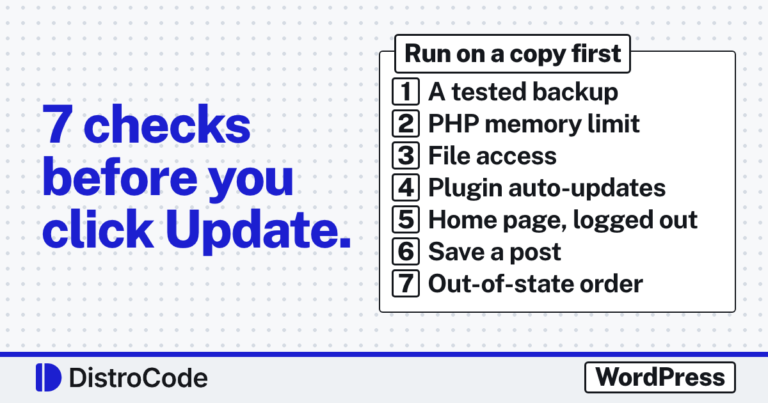
WordPress update checklist: 7 checks before you click Update
Before you update WordPress, run it on a copy, take a backup you have restored before, note the PHP memory limit, confirm you can reach your files, and list which plugins update themselves. Then test the home page logged out, a post save and a guest order; each of those caught a real fault in our 13 Oct 2026 lab.

WordPress contact form not sending email? Test it, then fix how the site sends mail
When a WordPress contact form is not sending email, the form usually works and the sending does not. Out of the box WordPress hands mail to PHP's mail() function as wordpress@ your domain, and Gmail says mail without SPF or DKIM might be marked as spam or rejected. Send yourself a test, then route the site's mail through SMTP.
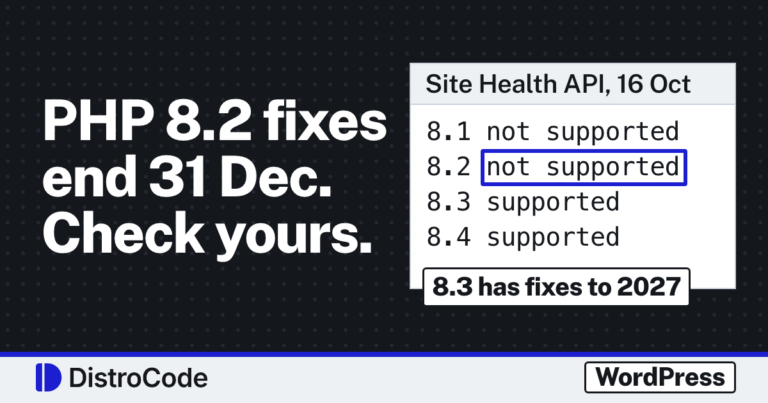
WordPress PHP version: how to check yours and move off PHP 8.2 before 31 December
Open Tools, Site Health, Info, Server and read the PHP version line. If it starts with 8.2, plan the move: PHP.net lists security fixes for 8.2 only until 31 December 2026. Switch a staging copy first, read its debug log, then switch the live site. $45 for one problem: cause in writing before anything changes, staging copy first.
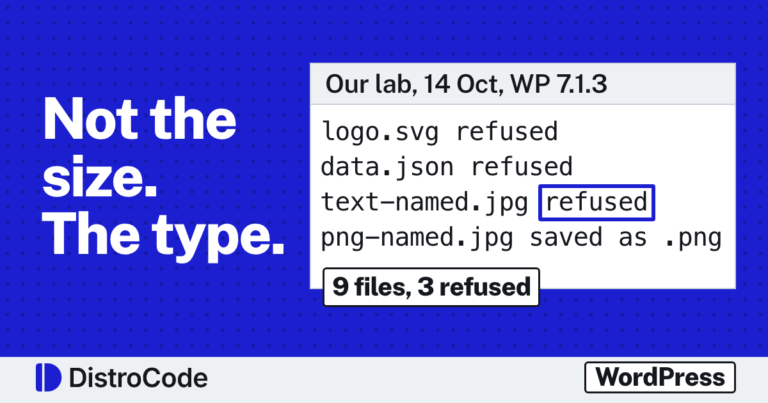
“Sorry, you are not allowed to upload this file type” in WordPress: what we tested
WordPress shows "Sorry, you are not allowed to upload this file type" when a file's extension is not on its allowed list. On our fresh WordPress 7.1.3 test site an SVG logo and a JSON file were refused, and so was a text file named .jpg, while a PNG named .jpg was accepted and saved as .png.
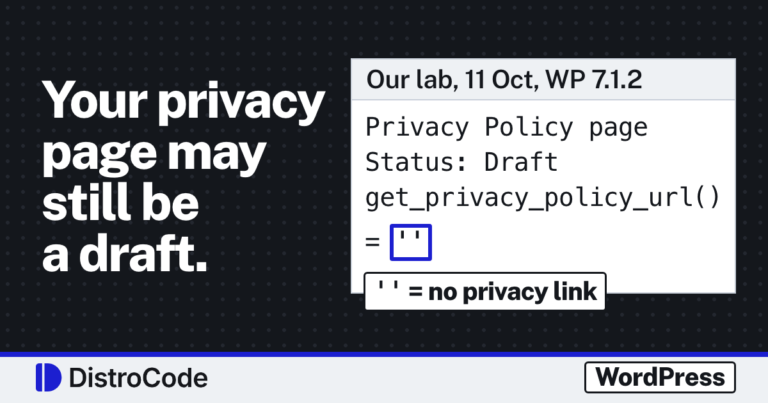
WordPress privacy policy page: why yours may still be a draft
A fresh WordPress install creates a privacy policy page but leaves it as a draft. On our WordPress 7.1.2 test site the page was there, 616 words of template text, and the privacy link functions returned nothing. Until someone publishes it, WordPress shows no privacy link at all.
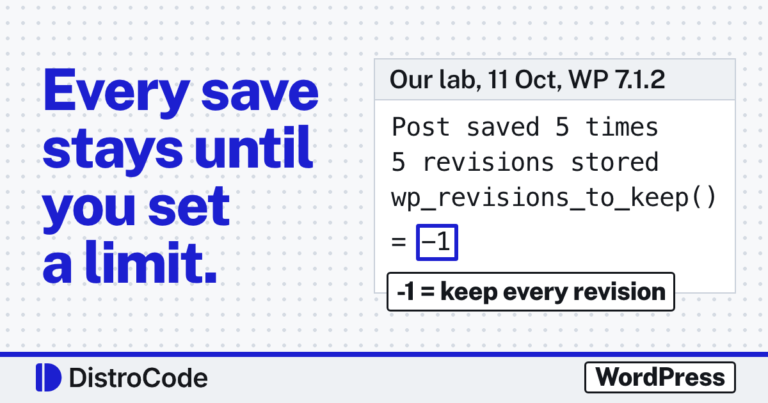
WordPress post revisions: how many it keeps, and how to set a limit
WordPress keeps every revision of a post by default, with no upper limit. On our WordPress 7.1.2 test site, one post saved five times after it was created held five revisions, and wp_revisions_to_keep() returned -1, which means keep all. One line in wp-config.php sets a cap.
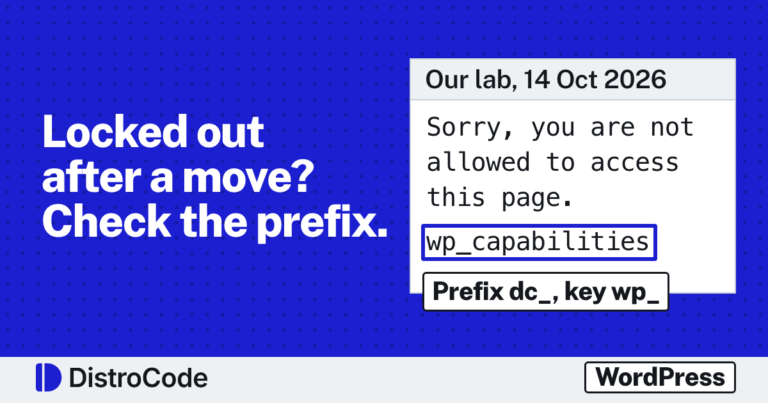
WordPress “Sorry, you are not allowed to access this page” after a migration: the table prefix
"Sorry, you are not allowed to access this page" after a migration usually means WordPress cannot find your capabilities. It looks them up under your table prefix, so if the prefix changed but the usermeta and options rows still carry the old one, an admin has no rights. Update those rows to the new prefix.
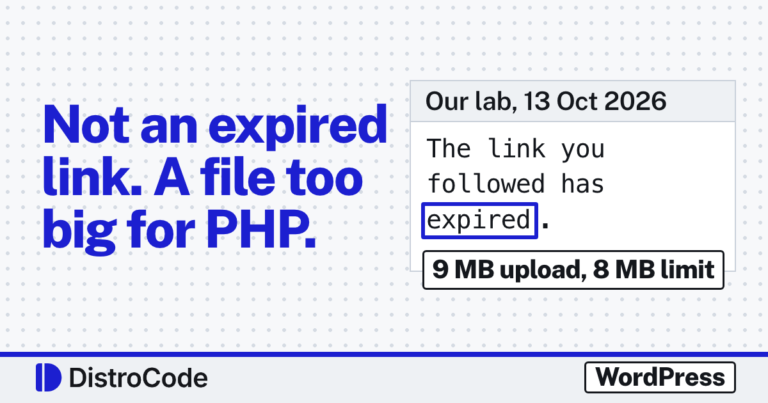
“The link you followed has expired” in WordPress: the upload limit behind it
WordPress shows "The link you followed has expired" when an upload is bigger than PHP's post_max_size. PHP drops the whole request, so the security check fails. On our 13 Oct 2026 test site a 9 MB plugin zip hit it at the 8 MB limit. Raising post_max_size and upload_max_filesize in php.ini fixed it.
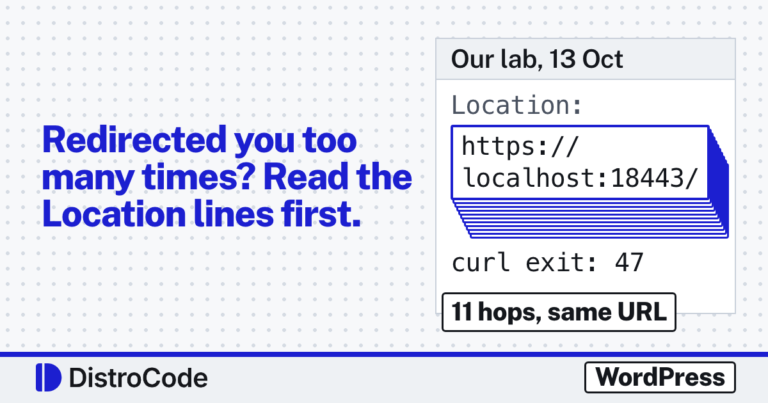
ERR_
TOO_ MANY_ REDIRECTS on WordPress: four loops we reproduced and what fixed each ERR_TOO_MANY_REDIRECTS means the browser followed redirects until it gave up. On our 13 Oct 2026 WordPress test site, every loop needed a redirect that could never be satisfied: an https rule behind a proxy speaking http, or two rules that disagreed about www. A mismatched WordPress Address alone did not loop.
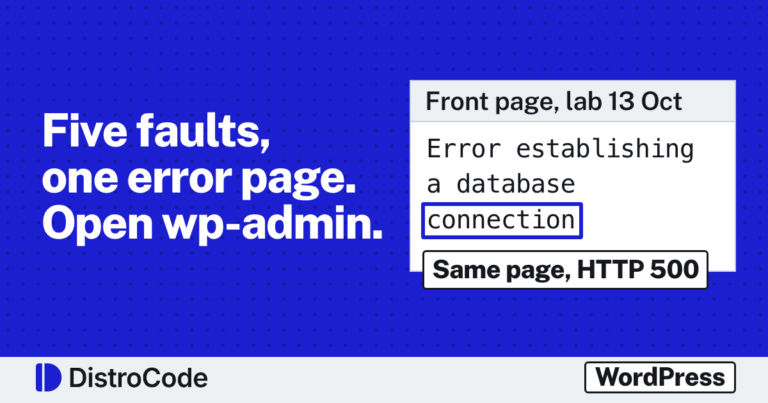
“Error establishing a database connection” in WordPress: what wp-admin tells you that visitors never see
WordPress shows "Error establishing a database connection" when it cannot reach or use its database. On our 13 Oct 2026 test site, a stopped database, a wrong password, a wrong host, a wrong database name and a missing table all gave visitors that same page. Opening /wp-admin/ showed a longer message that told the causes apart.
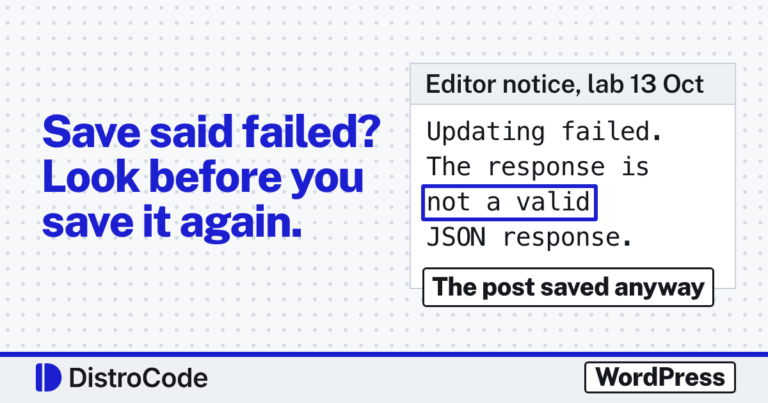
“The response is not a valid JSON response” in WordPress: what we could trigger
The block editor says "The response is not a valid JSON response" when its save request gets back something that is not JSON. On our 13 Oct 2026 test site two things did it: a plugin printing HTML into the reply, and a firewall's HTML 403 page. $45 for one problem: cause in writing before anything changes, staging copy first.
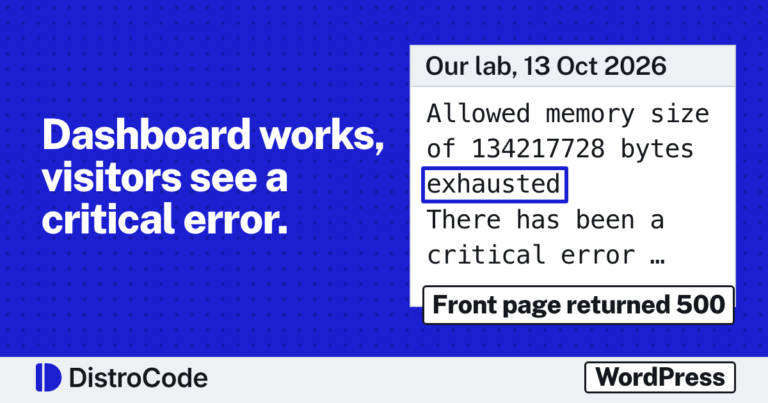
WordPress memory exhausted: why visitors see a critical error while your dashboard works
"Allowed memory size of 134217728 bytes exhausted" means a request needed more than the 128 MB PHP allows, and WordPress shows a critical error. Add define( 'WP_MEMORY_LIMIT', '256M' ); to wp-config.php to get the site back, then fix the plugin the error line names. $45 for one problem: cause in writing before anything changes, staging copy first.
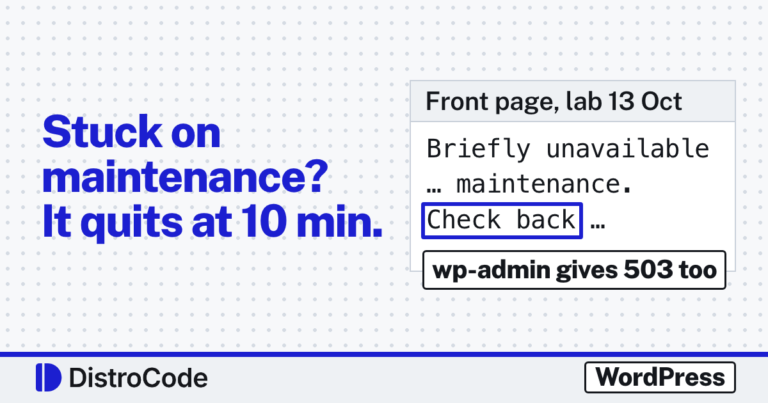
WordPress stuck in maintenance mode? The file to delete, and why the 10 minute rule matters
WordPress shows "Briefly unavailable for scheduled maintenance" while a .maintenance file sits in the root folder. Delete it, then rerun the update. In our 13 Oct 2026 lab WordPress ignored the file after 10 minutes, so a longer outage means something keeps refreshing it. $45 for one problem: cause in writing before anything changes, staging copy first.
WordPress Site Health critical issues: what they mean and which ones to fix first
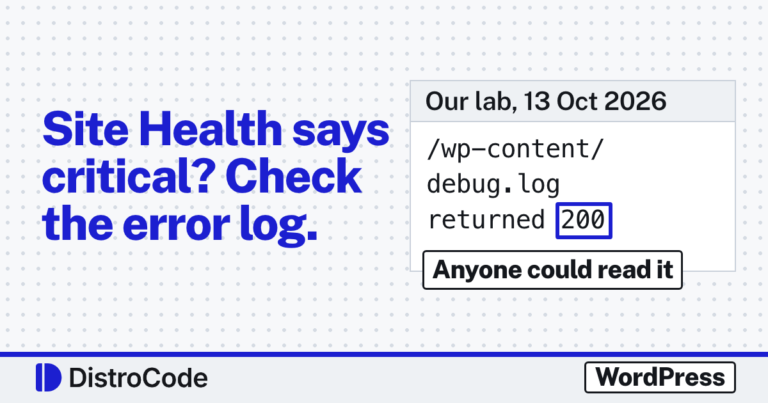
WordPress Site Health critical issues are the tests WordPress thinks can hurt security or speed right now. In our 13 Oct 2026 lab on WordPress 7.1.3, a test site showed five. Two were real risks: an error log anyone could download, and automatic updates switched off. $45 for one problem: cause in writing before anything changes, staging copy first.
WordPress plugin auto-updates: who turned them on? What WordPress records, and what it doesn’t
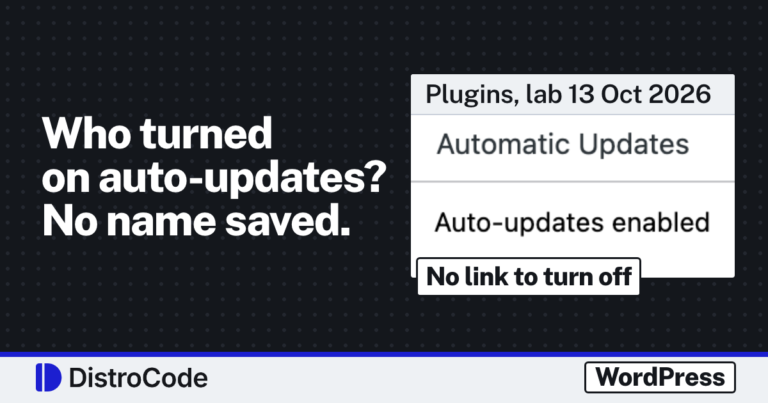
WordPress does not record who turned on auto-updates for a plugin. In our 13 Oct 2026 lab on WordPress 7.1.3, one click on Enable auto-updates changed one database row, the auto_update_plugins option, with no user and no time. Your clues are that row, any code using the auto_update_plugin filter, and the admin email inbox.

Discourage search engines from indexing this site: what the WordPress box does, and what it leaves alone
The box, under Settings, Reading, adds a robots meta tag with noindex, nofollow to every page. It does not lock anyone out. A site launched with the box still ticked stays out of Google until you clear it and Google crawls again. $45 for one problem: cause in writing before anything changes, staging copy first.

WordPress image sizes: why one upload becomes 11 files
WordPress builds a set of resized copies of every upload so pages can load a file near the size they show. On our test store, one 4,000 pixel photo became 11 files: nine sizes, a scaled copy and the original. A 1,800 pixel photo became nine. Themes and plugins can add or remove sizes.
WordPress missed schedule: why WP-Cron waits for a visitor, and the real cron fix
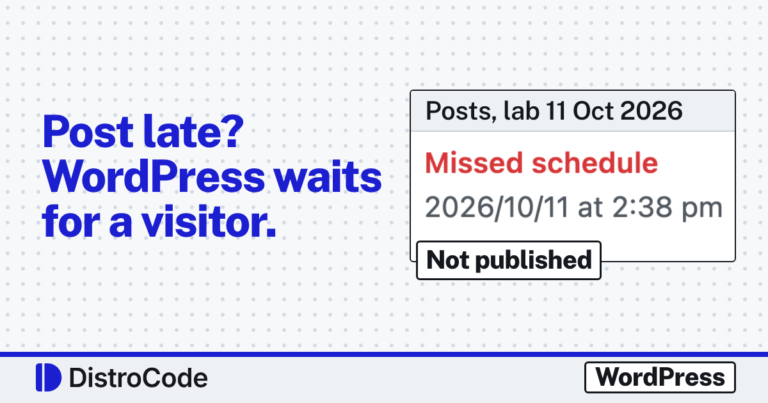
WordPress shows Missed schedule when a scheduled post's time passed and nothing ran it. WP-Cron, the scheduler behind posts, update checks and WooCommerce's queue, only runs when a page loads. On a quiet site jobs wait. The handbook's fix: a server cron that requests wp-cron.php on a timer, plus DISABLE_WP_CRON in wp-config.php.
WordPress Address and Site Address: the two settings that can lock you out, and the wp-config fix
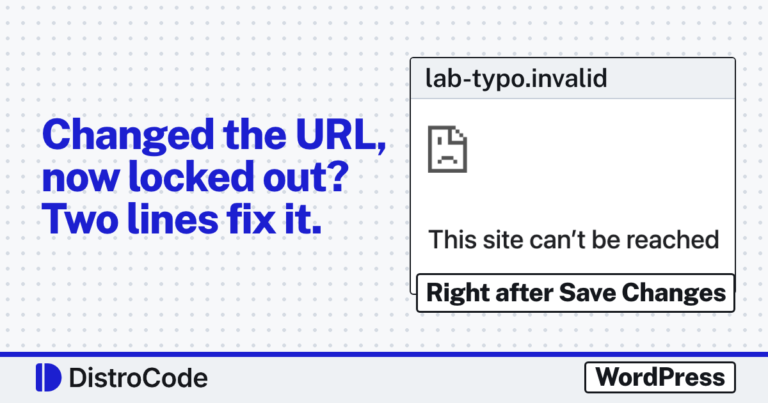
If you changed WordPress Address (URL) and cannot log in, the login page now sends you to the wrong address. Add WP_HOME and WP_SITEURL with your real address to wp-config.php, and you can log in again. Then correct the stored value too, because the constants only cover it. No file access? Ask your host.
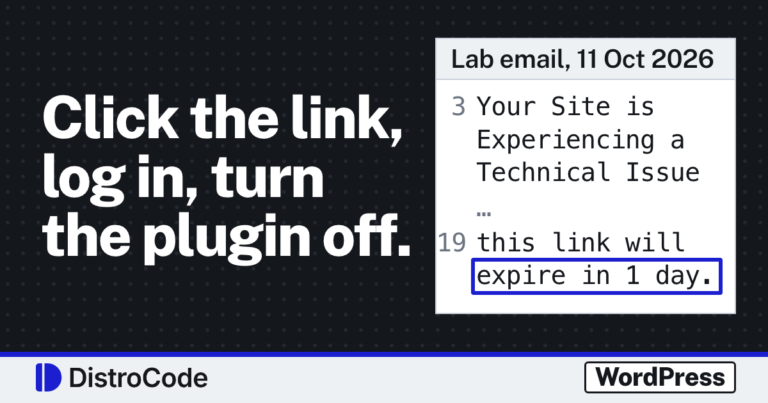
The WordPress “technical issue” email: what it means and what to do
The email means a plugin or theme caused a fatal error and WordPress caught it. It names the culprit and holds a private recovery mode link. Click it, log in, deactivate what it names, and check the site. Visitors still see the error until you do, and our lab's email said the link would expire in one day.