

Fixes and how-tos, checked and dated
Each post answers one question about running a WordPress, Squarespace or Wix site, a web app or an automation. We test most WordPress and WooCommerce fixes on our own lab first. Every post links the vendor docs it relies on, with the date we checked them.
Latest posts

Discourage search engines from indexing this site: what the WordPress box does, and what it leaves alone
The box, under Settings, Reading, adds a robots meta tag with noindex, nofollow to every page. It does not lock anyone out. A site launched with the box still ticked stays out of Google until you clear it and Google crawls again. $45 for one problem: cause in writing before anything changes, staging copy first.

WooCommerce Coming soon mode: add a shop to a live site without showing an empty store
Go to WooCommerce, Settings, Site visibility, pick Coming soon and turn on Apply to store pages only. Visitors then get a holding page on the shop, cart and checkout, and in our lab on product pages too, while your other pages stay live. $45 for one problem: cause in writing before anything changes, staging copy first.

WordPress image sizes: why one upload becomes 11 files
WordPress builds a set of resized copies of every upload so pages can load a file near the size they show. On our test store, one 4,000 pixel photo became 11 files: nine sizes, a scaled copy and the original. A 1,800 pixel photo became nine. Themes and plugins can add or remove sizes.
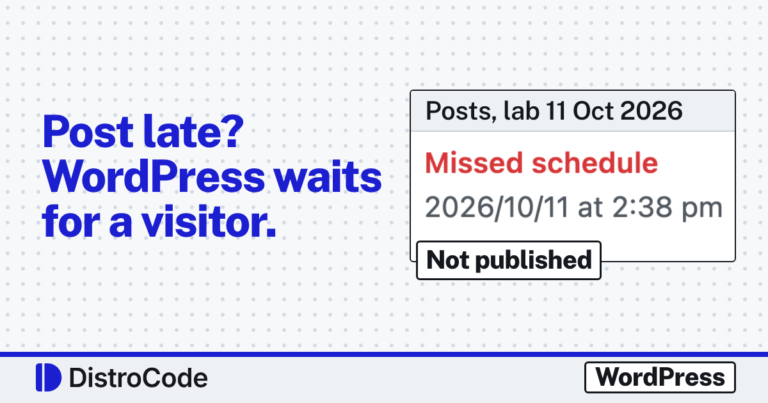
WordPress missed schedule: why WP-Cron waits for a visitor, and the real cron fix
WordPress shows Missed schedule when a scheduled post's time passed and nothing ran it. WP-Cron, the scheduler behind posts, update checks and WooCommerce's queue, only runs when a page loads. On a quiet site jobs wait. The handbook's fix: a server cron that requests wp-cron.php on a timer, plus DISABLE_WP_CRON in wp-config.php.
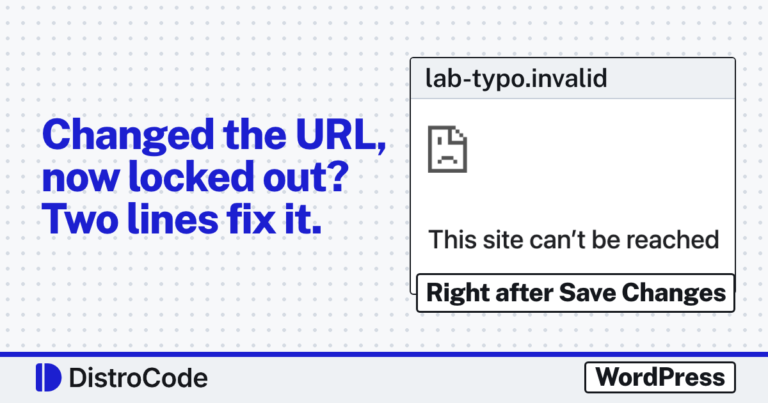
WordPress Address and Site Address: the two settings that can lock you out, and the wp-config fix
If you changed WordPress Address (URL) and cannot log in, the login page now sends you to the wrong address. Add WP_HOME and WP_SITEURL with your real address to wp-config.php, and you can log in again. Then correct the stored value too, because the constants only cover it. No file access? Ask your host.
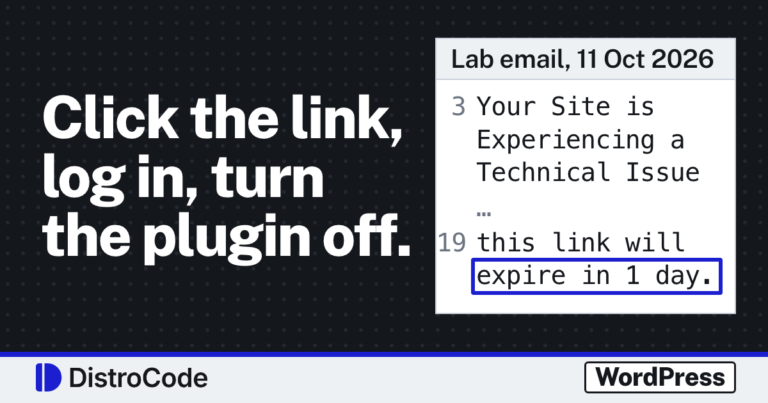
The WordPress “technical issue” email: what it means and what to do
The email means a plugin or theme caused a fatal error and WordPress caught it. It names the culprit and holds a private recovery mode link. Click it, log in, deactivate what it names, and check the site. Visitors still see the error until you do, and our lab's email said the link would expire in one day.
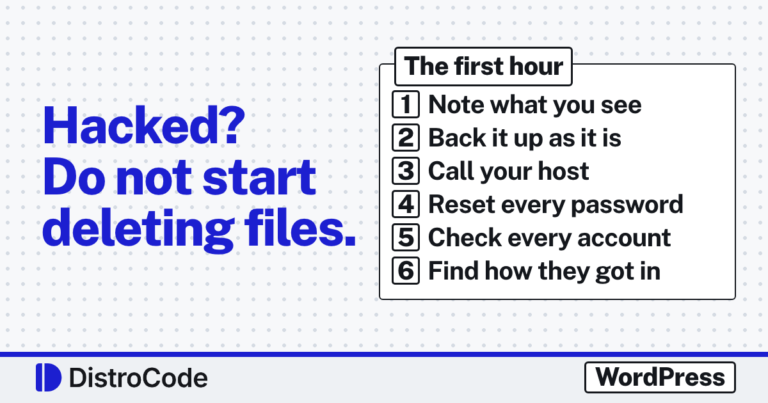
WordPress site hacked: what do you do in the first hour?
Do not start deleting files. Write down what you see and when, take a backup of the hacked site as it is, and call your host. Then reset every password, from WordPress to the database, and log everyone out. Find how they got in before you clean, or it comes back. Cleanup is quoted after a check.
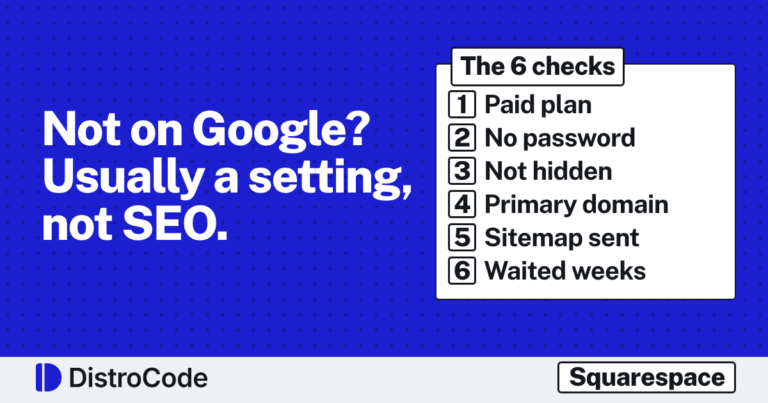
Why is my Squarespace site not showing on Google? 6 checks
A Squarespace site Google cannot find is usually held back by a setting: a free or private plan, a password, a hidden page, the wrong primary domain or no sitemap in Search Console. Still missing? The free site check comes first; a restore or redirect job is quoted in writing within one working day.